

Free to set up and use
Get booked from home, without the back‑and‑forth.
Fabu gives home-based and mobile beauty and wellness pros a booking link, a calendar that reminds clients for you, and a chat that keeps your number private.
Sign up with your mobile number. No card needed to start.
saleflow.io/book/your-name

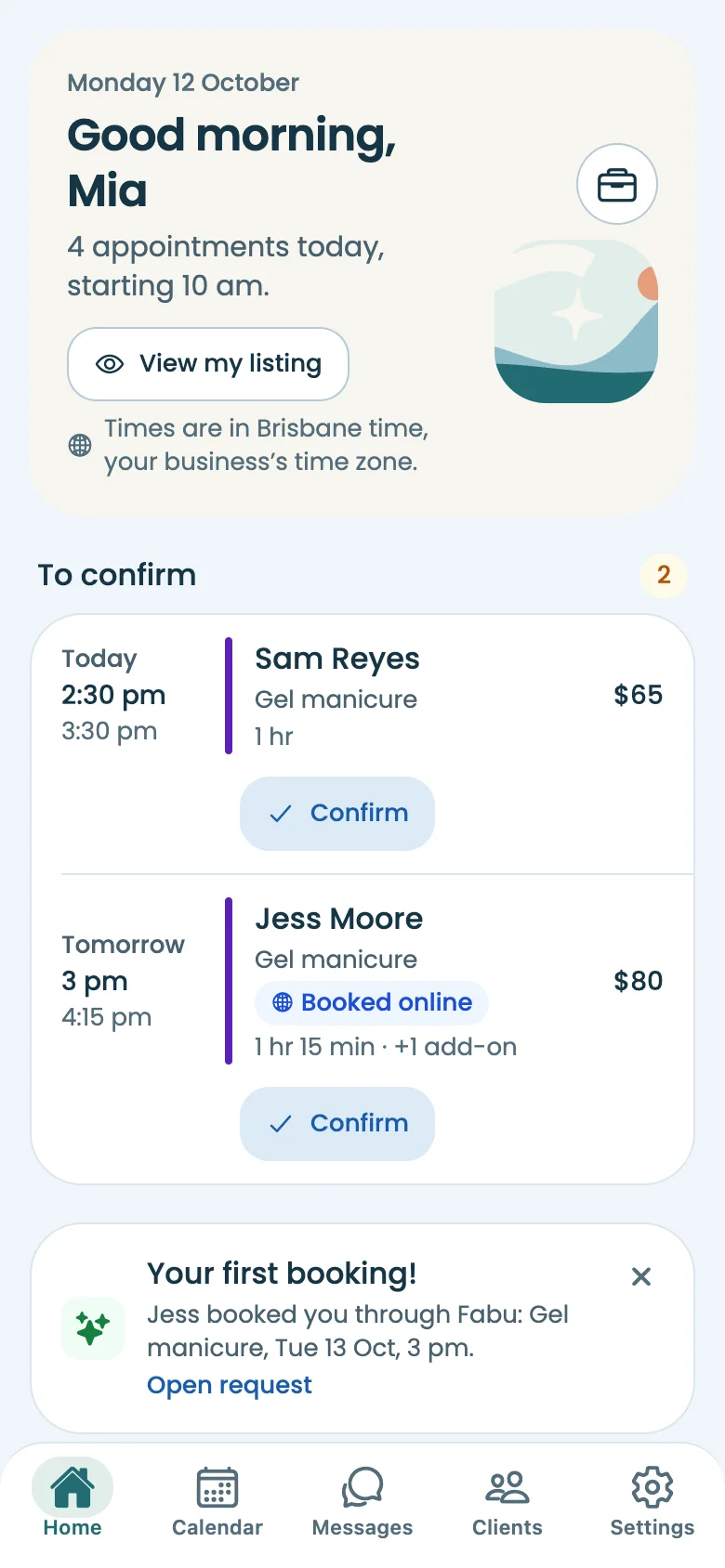
Find services
Massage, nails, lash & brow, hair and more, at your place or a home studio nearby.
Provide services: set up once, then let clients book
Add your services and hours
Prices, lengths and add-ons, your business hours and breaks, and where you work: your home studio’s suburb or how far you travel.
Share your booking link
Put it in your Instagram bio and send it to regulars. Bring your client list across from your contacts or a spreadsheet.
Get booked
Clients pick a free time. You confirm, or let bookings confirm themselves. Fabu sends the reminders.
Everything a one-person business needs, in one app
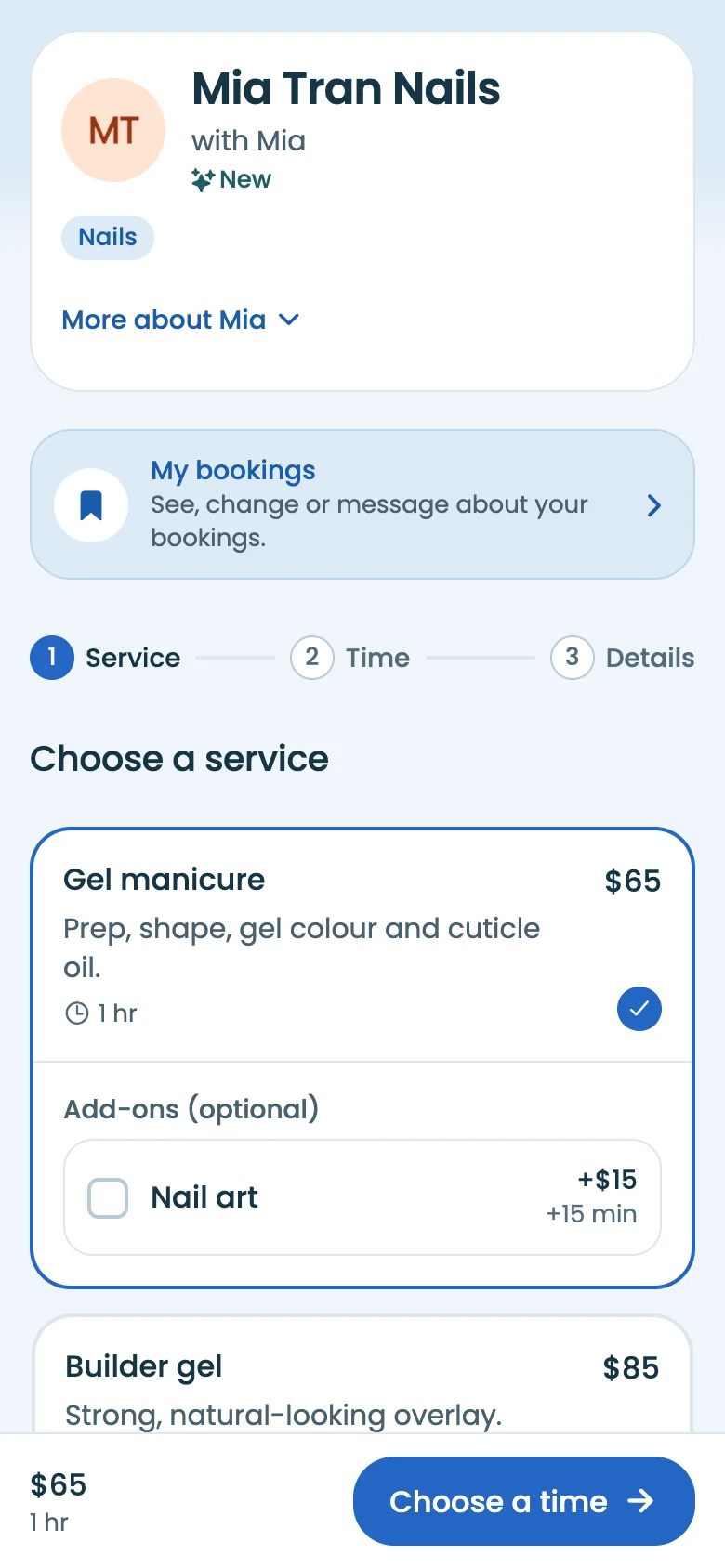
A booking page that’s yours
Clients see your services, prices and real free times, add extras, and book in a couple of taps. No messages back and forth to find a time.
- Time between clients and travel time built in
- Notice for new bookings and how far ahead people can book
- Confirm each request yourself, or let them confirm straight away
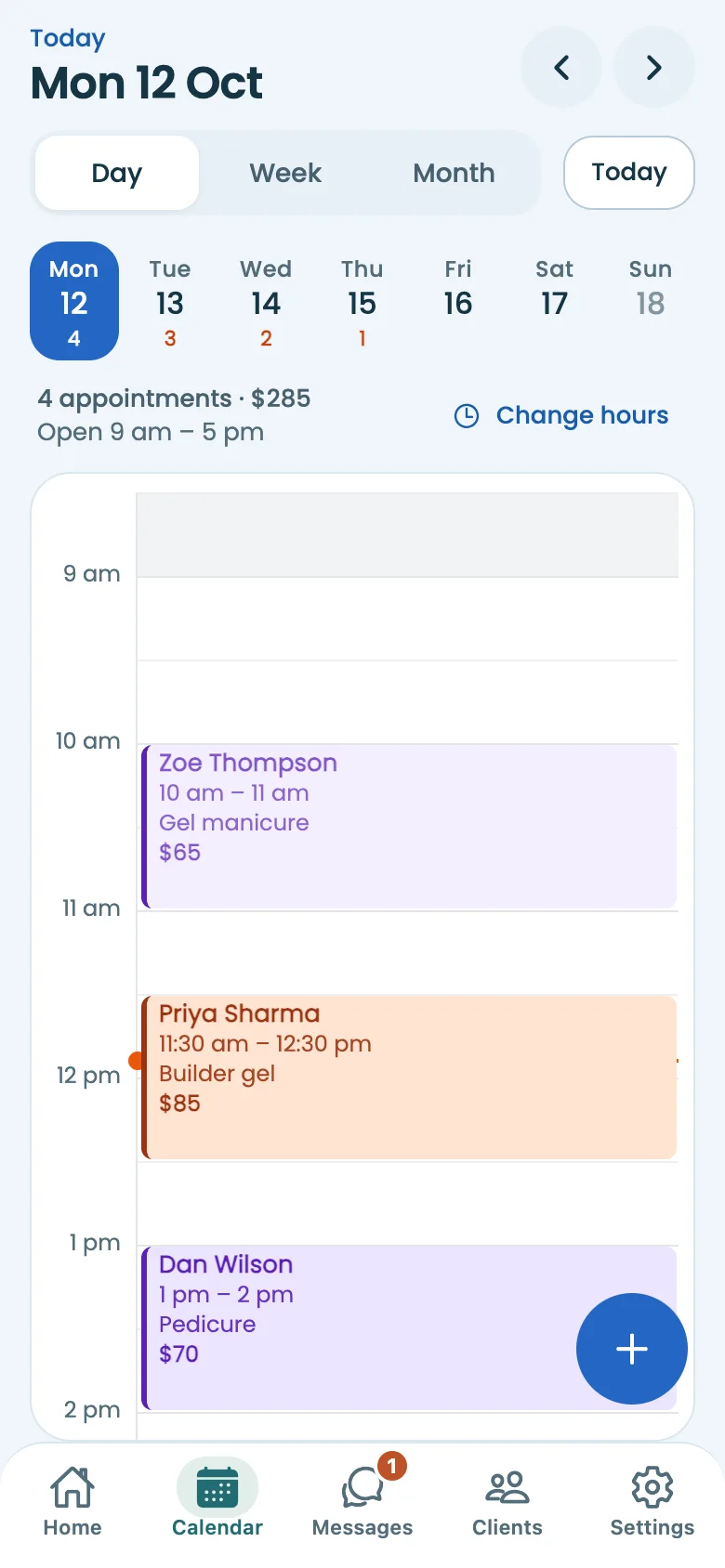
A calendar that reminds clients for you
Day, week and month views with breaks, time off and blocked time. Reminders go out before each visit, and you can see who’s been told.
- Clients can cancel or move only within your rules
- Calendar sync with Google, Apple and Outlook
- A text for every new booking request
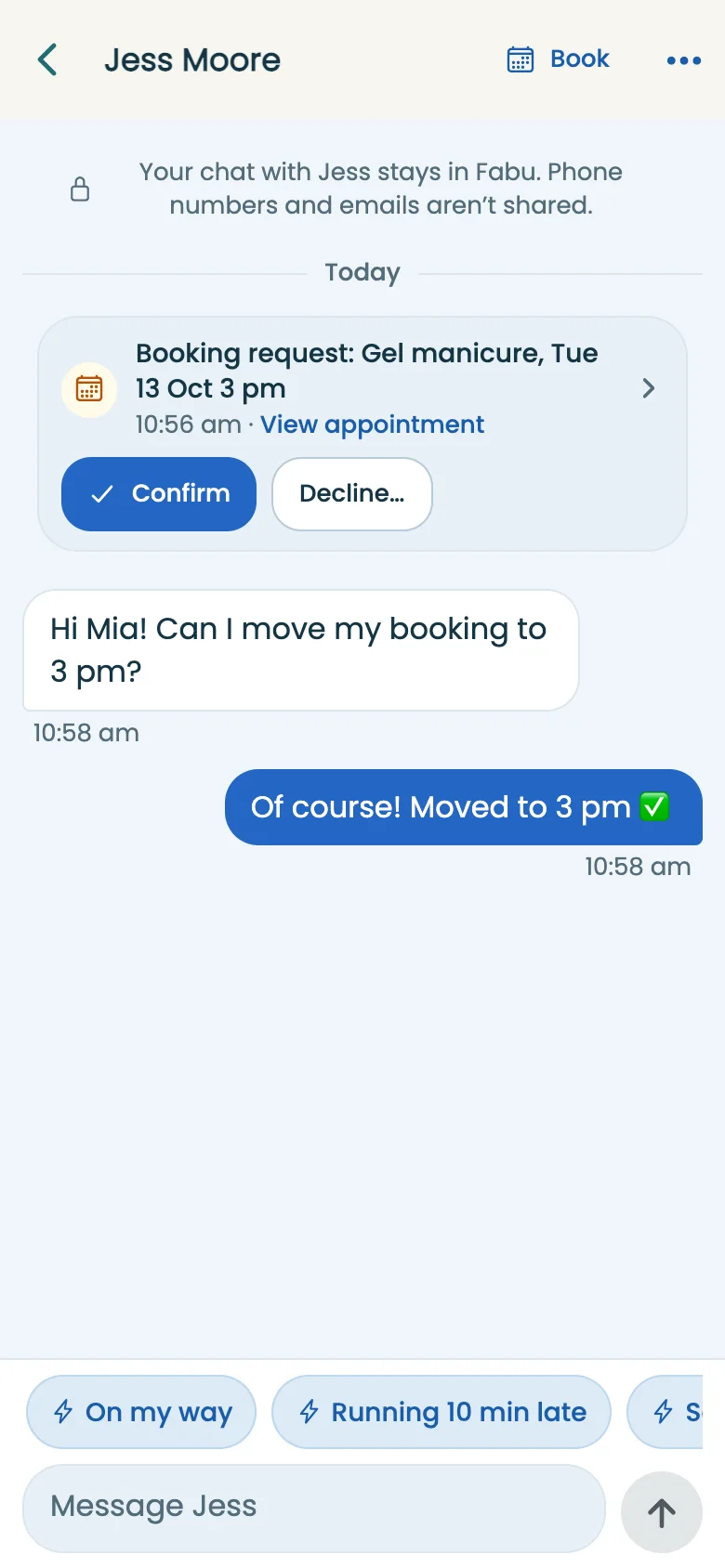
Chat with clients, keep your number
Every client has one chat with you in Fabu. Running late, a quick question, a new time: it all happens there, and your personal mobile stays yours.
- Clients who aren’t in the app get a text or email instead
- Booking changes appear in the chat as they happen
Clients
Visits, notes and alerts for allergies or access in one place. See who’s due for a rebook.
Deposits by card or PayID
Ask for a deposit on any service. Clients pay by card in the app, or by PayID or bank transfer straight to you.
Money
Takings, unpaid visits and deposits to collect, with a CSV for your bookkeeper.
Reviews
After a visit, clients are asked how it went. Their reviews appear on your Fabu profile.
Listed in Explore
Show up when locals search for your service nearby, with your photos, prices and next free time.
Phone, tablet or computer
Run your business from whichever is in your hand. Everything stays in step.

Work from home without giving out your address
- Suburb only, until they book. Your profile and booking page show your suburb. The street address goes only to clients with a booking.
- No numbers swapped. Clients message you in Fabu. Your mobile and email are never on your profile.
- Mobile? Show where you travel, not where you live. Clients see that you come to them and how far you go.
Switching takes an afternoon, not a weekend
- Import your clients from your phone’s contacts or a spreadsheet. Duplicates are pointed out before anything’s added.
- Share one link wherever clients find you now: Instagram, Facebook, texts.
- Nothing for clients to install. They book in their browser with their mobile number and a code.


What a Fabu profile looks like
Examples shown: these businesses and people are made up to show the layout.
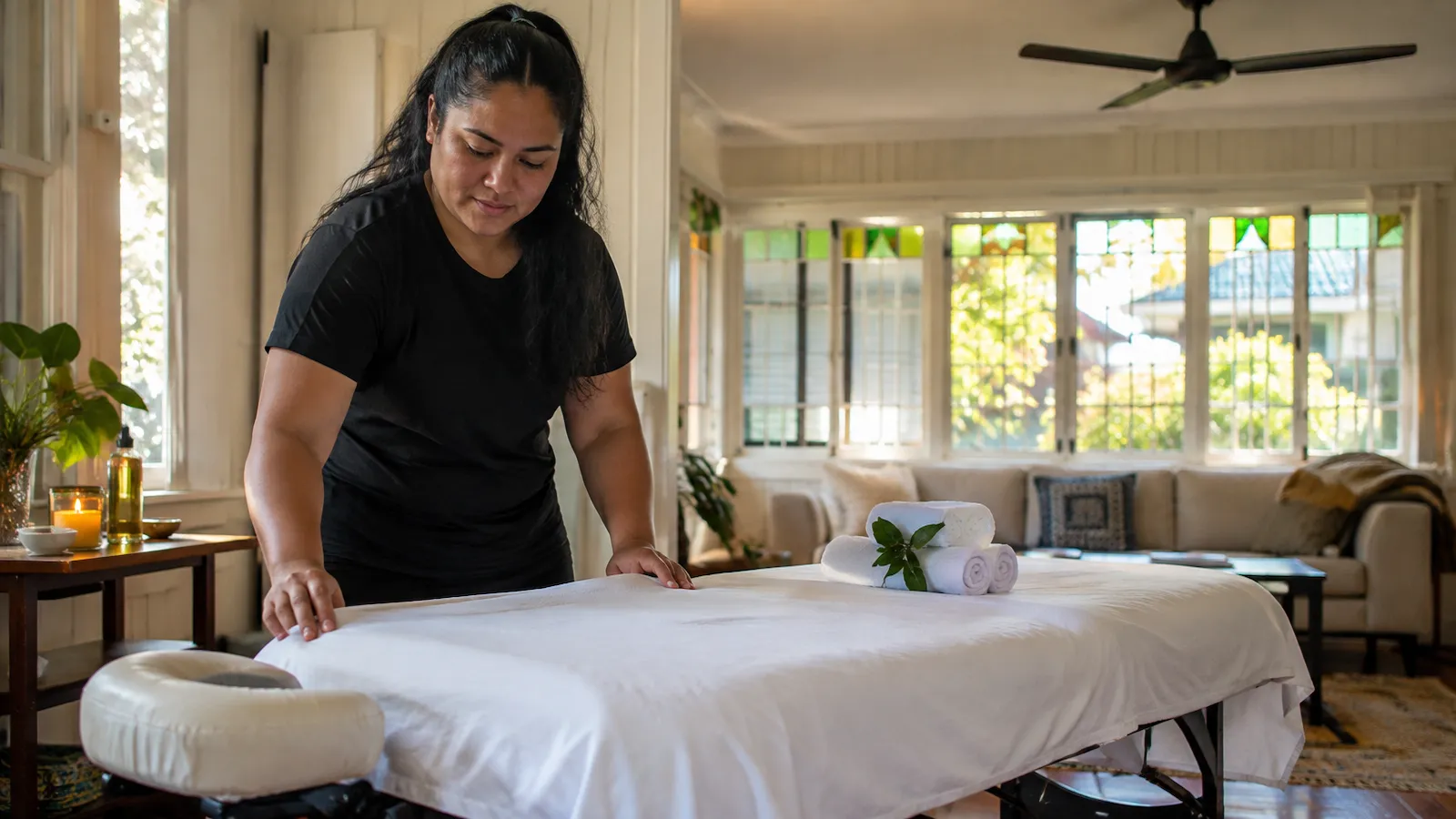 Example profile
 Kalo Mobile MassagePaddington, QLDTravels to youFrom $95Remedial massage, Relaxation massage, Pregnancy massage
 Example profile
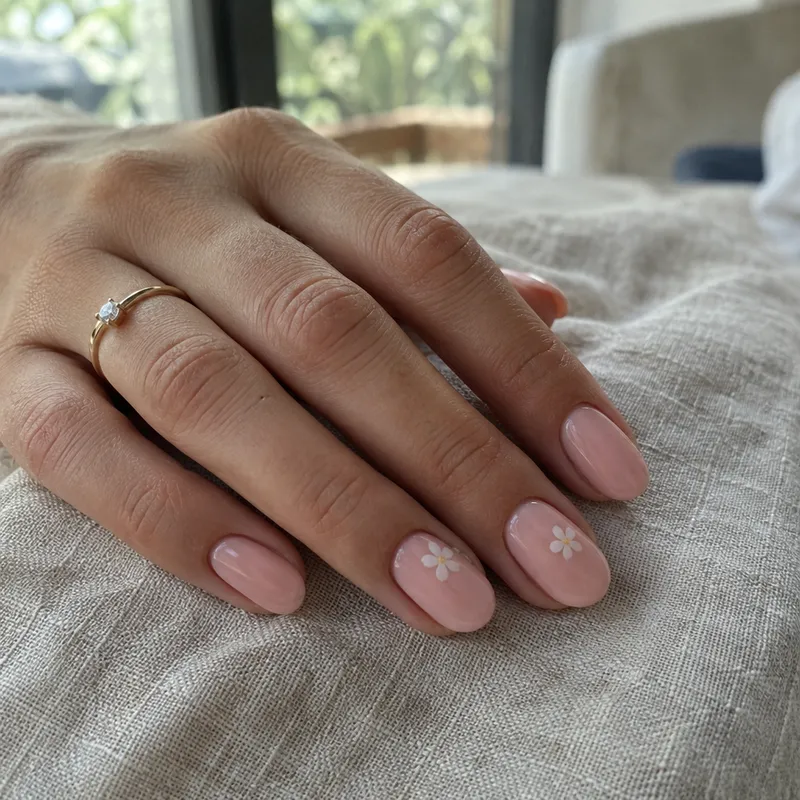
 Nook Nail StudioCarindale, QLDHome studioFrom $55BIAB overlay, Gel manicure, Nail art
 Example profile
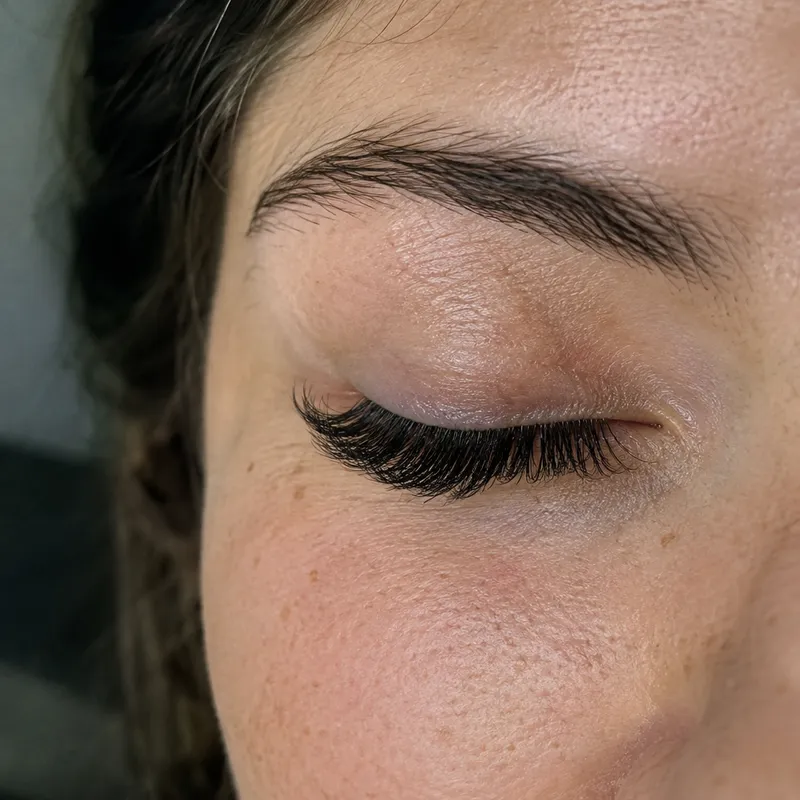
 Soft Lift Lash & BrowChermside, QLDHome studioFrom $45Lash lift & tint, Brow lamination, Classic lash extensions
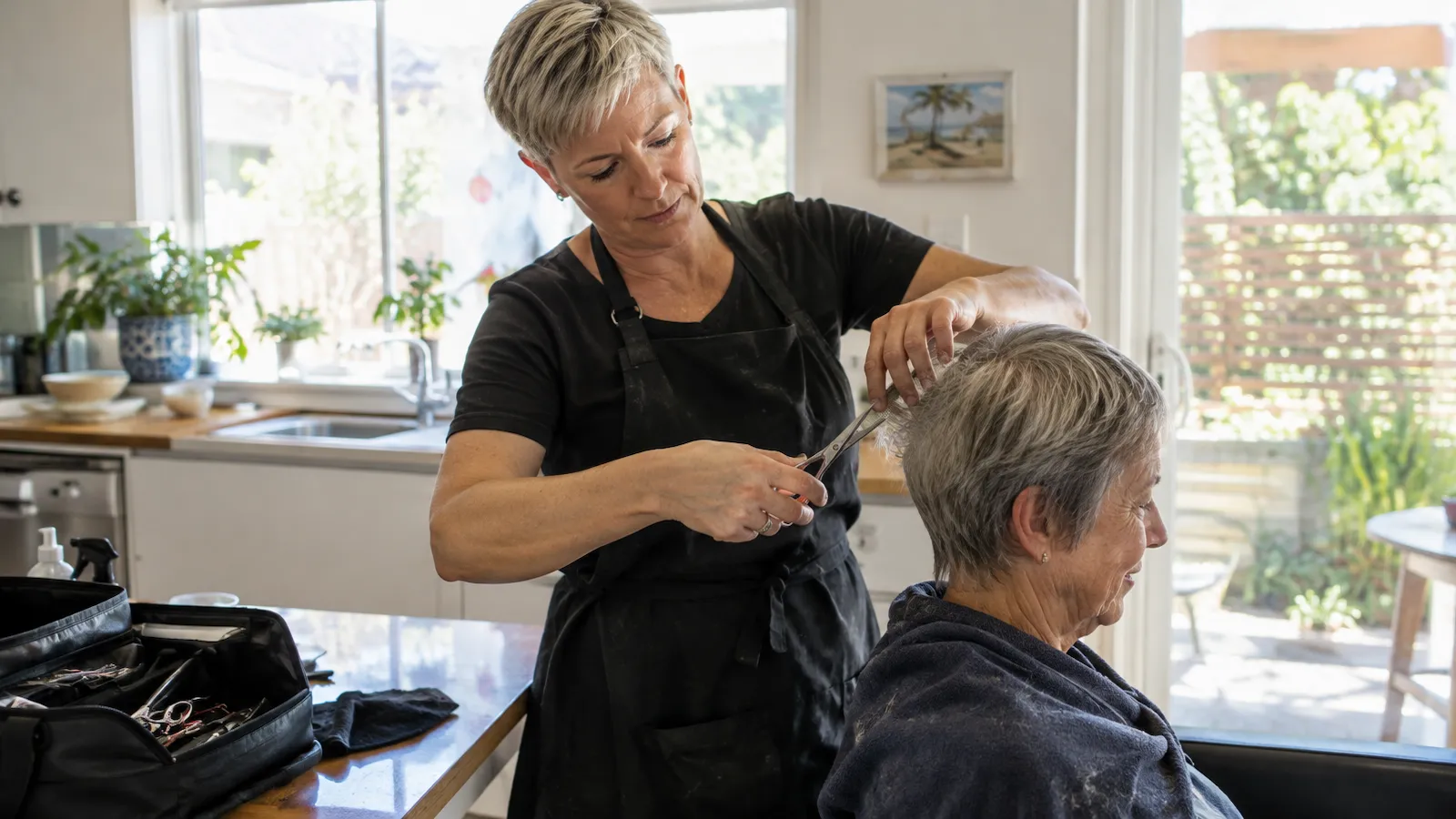 Example profile
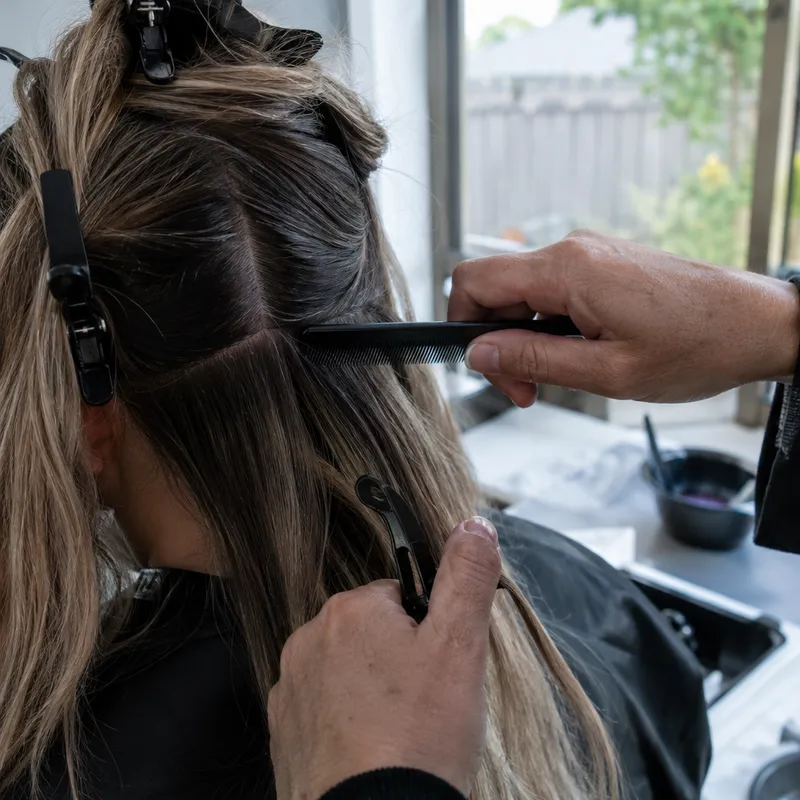
 House Call HairWynnum, QLDTravels to youFrom $30Cut & blow-dry, Seniors' cut at home, Colour
 Example profile
 Garage Cuts West EndWest End, QLDHome studioFrom $30Skin fade, Cut & beard, Beard trim
 Example profile
 Glow by BeaNew Farm, QLDTravels to youFrom $120Bridal makeup, Event makeup, Makeup lesson







Free to set up and use. Then just $1 per online booking.
Every feature is included. You pay A$1 (GST inclusive) for each online booking a client makes with you that is confirmed, completed or marked as a no-show. Requests you decline or don’t answer, bookings cancelled before they’re billed, and bookings you add yourself are free. Billed monthly to your card. No monthly fee and no lock-in.
Fabu on your phone
Find services, manage bookings and keep your business close, wherever the day takes you.


Questions
What does it cost?
Fabu is free to set up and use. You pay A$1 (GST inclusive) for each online booking a client makes with you that is confirmed, completed or marked as a no-show. Requests you decline or don’t answer, bookings cancelled before they’re billed, and bookings you add yourself are free. The total is billed monthly to your card, and you only add a card once you get your first online booking. If a client pays by card in the app, Stripe’s card processing fee comes out of your payout. There’s no lock-in: stop any time.
Do my clients need to download an app?
No. Your booking link opens in any browser. Clients pick a service and a time, then confirm with a code sent to their mobile. They can use the Fabu app if they’d like to, but they don’t have to.
Will clients see my home address?
Not before they book. Your profile and booking page show your suburb only (unless you choose to show the full address). Clients get the full address in their booking confirmation. If you travel to clients, they see that you come to them and how far you travel.
How do reminders work?
Fabu reminds clients before each visit, at the time you choose (for example 1 day or 2 hours before), and tells them when a booking is confirmed, moved or cancelled. Each reminder shows on your calendar, so you know who’s been told.
Can I take deposits?
Yes. Set a deposit on any service. Clients can pay by card in the app, and Fabu pays it out to you after the visit, less Stripe’s card processing fee. Or they can pay by PayID or bank transfer straight to your account, using the details in their confirmation, and you mark the deposit paid in Money.
Can I bring my existing clients?
Yes. Import them from your phone’s contacts or from a spreadsheet (CSV file). Fabu points out anyone who’s already a client or appears twice, so your list stays tidy.
What if a client needs to cancel or move?
You choose how close to the visit clients can cancel or move in Fabu, for example up to 24 hours before. After that they message you, and you decide.
Does it work with my Google, Apple or Outlook calendar?
Yes. With Calendar sync, your appointments appear in your own calendar and the busy times there are kept free in Fabu, so you’re never double-booked.
Where is Fabu available?
Fabu is for providers and clients anywhere in Australia. Providers can sign up and take bookings through their own link, and show up in Explore once their profile is ready.
I’m looking to book. How do I start?
Search above or open Explore, pick a provider and a time, and confirm with your mobile number. You’ll find your bookings and chats in Fabu afterwards.